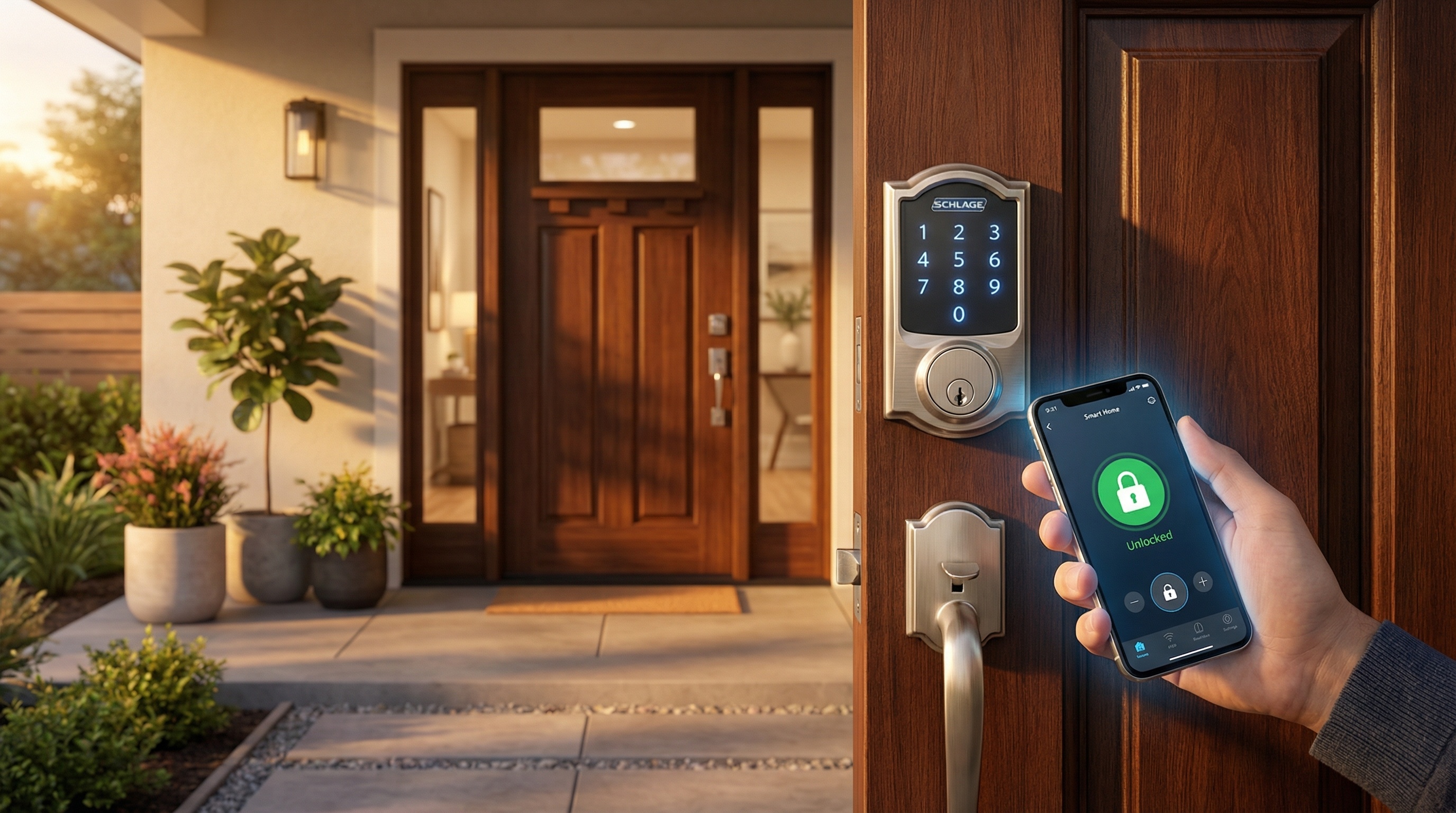
Smart locks have revolutionized home security, offering convenience, remote access, and enhanced security features that traditional locks simply can't match. But with dozens of options on the market, choosing the right one for your home can feel overwhelming.
In this comprehensive guide, we'll walk you through everything you need to know to make an informed decision, from understanding different smart lock types to evaluating security features and compatibility with your existing door hardware.
Why Upgrade to a Smart Lock?
Before diving into the selection process, let's understand why smart locks have become so popular:
- Keyless convenience - No more fumbling for keys or worrying about losing them
- Remote access - Lock or unlock your door from anywhere using your smartphone
- Guest access - Create temporary codes for visitors, housekeepers, or contractors
- Activity logs - Know exactly who entered your home and when
- Integration - Connect with other smart home devices for automation
Types of Smart Locks
1. Deadbolt Replacements
These completely replace your existing deadbolt and are the most common type of smart lock. They offer the highest level of security and the most features but require more installation effort.
2. Retrofit Smart Locks
These attach to your existing deadbolt from the inside, keeping your current exterior hardware. They're easier to install and ideal for renters, but may have fewer features.
3. Smart Lock Cylinders
These replace just the lock cylinder inside your existing deadbolt. They're the most discreet option and work with your current keys while adding smart features.
Pro Tip
If you're renting or want easy installation, retrofit locks are your best bet. Homeowners looking for maximum security and features should consider full deadbolt replacements.
Key Features to Consider
Connectivity Options
Smart locks connect to your phone and home network in different ways:
| Connection Type | Remote Access | Battery Life | Best For |
|---|---|---|---|
| Bluetooth | Proximity only | Longest | Basic use, renters |
| WiFi | Yes | Shorter | Remote access priority |
| Z-Wave/Zigbee | With hub | Long | Smart home integration |
Entry Methods
Consider how you want to unlock your door:
- PIN codes - Most common, no phone needed
- Smartphone app - Convenient but requires battery and connectivity
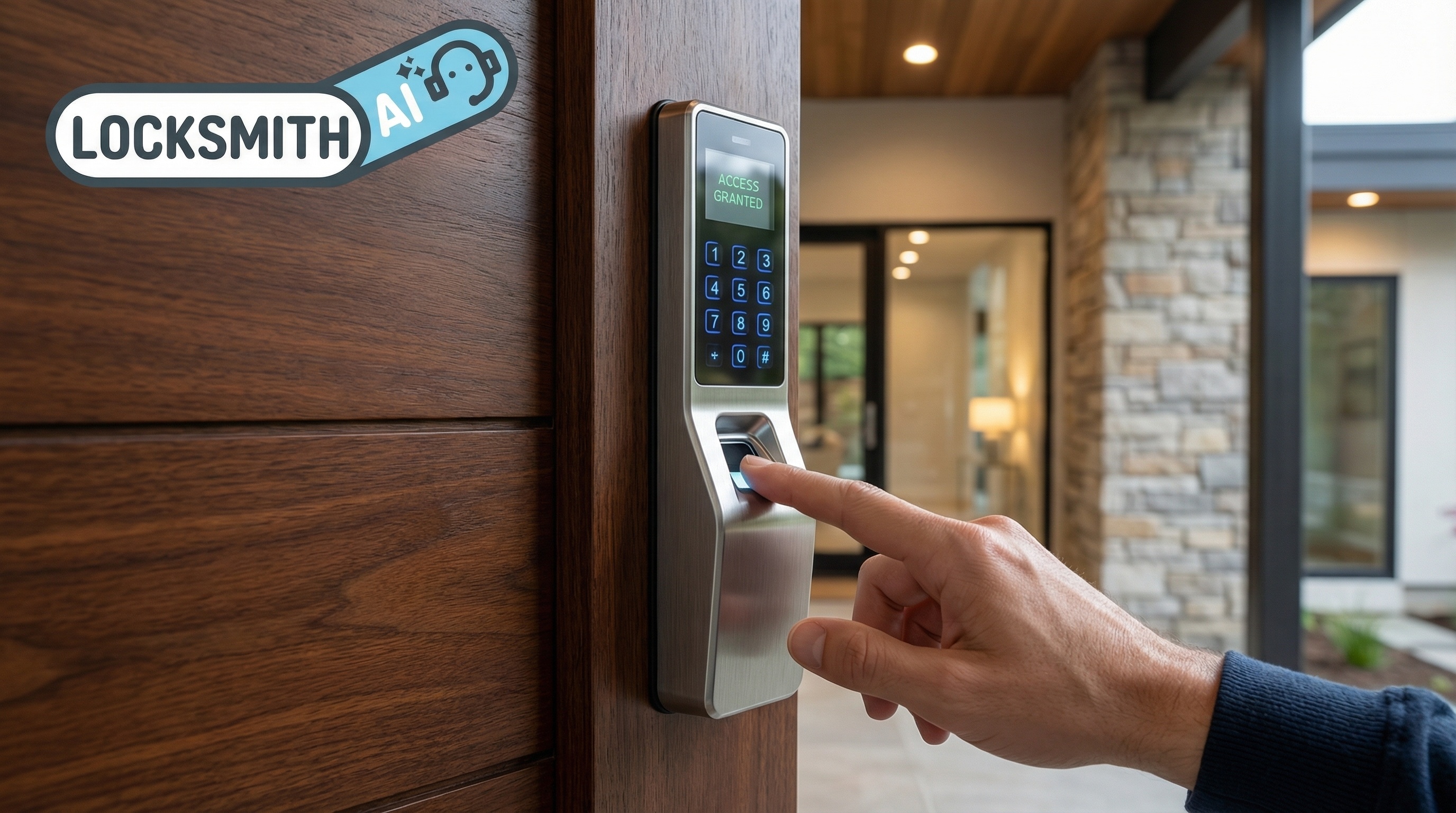
- Fingerprint - Fast and secure, no codes to remember
- Physical key backup - Important for emergencies
- Auto-unlock - Detects when you approach and unlocks automatically
Security Features
Look for these essential security features:
- ANSI/BHMA Grade - Grade 1 is commercial-grade, Grade 2 is residential
- AES encryption - Protects against digital hacking
- Auto-lock - Automatically locks after a set time
- Tamper alerts - Notifies you of break-in attempts
- Physical key backup - Never get locked out if electronics fail
Compatibility Checklist
Before purchasing, verify these compatibility factors:
- Door type - Most smart locks work with standard doors (1-3/8" to 2" thick)
- Deadbolt backset - Measure from door edge to center of deadbolt (2-3/8" or 2-3/4")
- Smart home ecosystem - Check compatibility with Alexa, Google Home, Apple HomeKit, etc.
- Existing door handle - Some locks require specific handle types
Need Help Choosing or Installing a Smart Lock?
Our certified technicians can assess your door, recommend the perfect smart lock, and install it professionally.
Top Smart Lock Recommendations by Category
Best Overall: August Wi-Fi Smart Lock
Excellent combination of features, security, and ease of installation. Works with existing deadbolts and integrates with all major smart home platforms.
Best Budget: Wyze Lock
Incredible value with WiFi connectivity, auto-unlock, and all essential features at a fraction of the price of competitors.
Best for Apple Users: Level Lock+
Sleek, invisible design with native Apple HomeKit support and key compatibility. The most discreet smart lock available.
Best for Maximum Security: Schlage Encode Plus
Built-in WiFi, Apple Home Key support, and ANSI Grade 1 security rating make this the top choice for security-conscious homeowners.
Installation Considerations
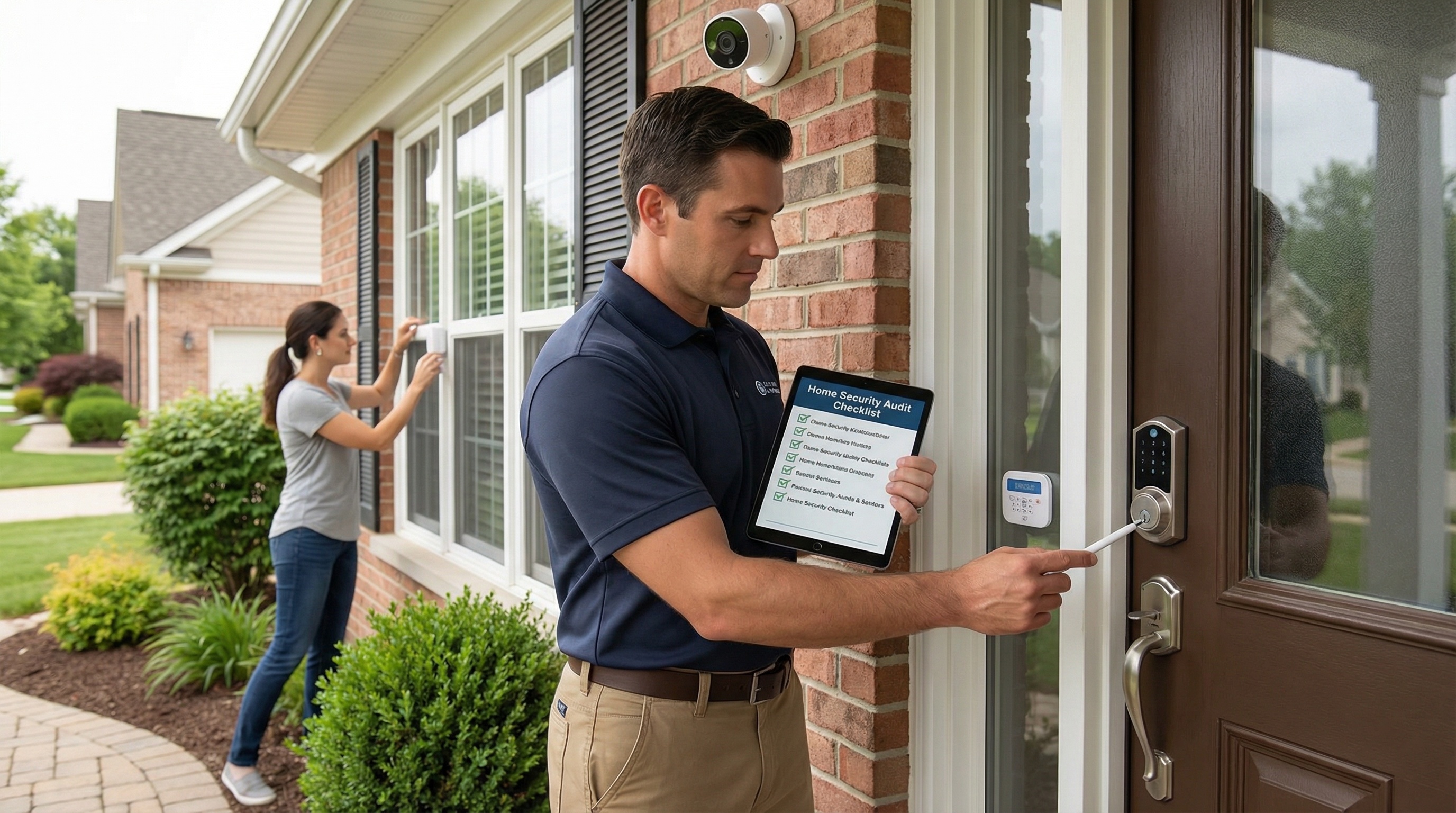
While many smart locks advertise easy DIY installation, there are benefits to professional installation:
- Proper alignment for smooth operation and extended lock life
- Verification that your door and frame are secure
- Setup assistance for apps and smart home integration
- Troubleshooting if your door has non-standard dimensions
Security Reminder
A smart lock is only as secure as the door it's installed on. If your door frame is weak or your door doesn't close properly, address those issues first.
Final Thoughts
Choosing the right smart lock comes down to understanding your priorities. If remote access is essential, look for WiFi or hub-connected options. If you have a smart home ecosystem, ensure compatibility. And if security is paramount, prioritize locks with high ANSI ratings and robust encryption.
Whatever you choose, a smart lock is a worthwhile investment in convenience and security that you'll appreciate every time you walk through your door.