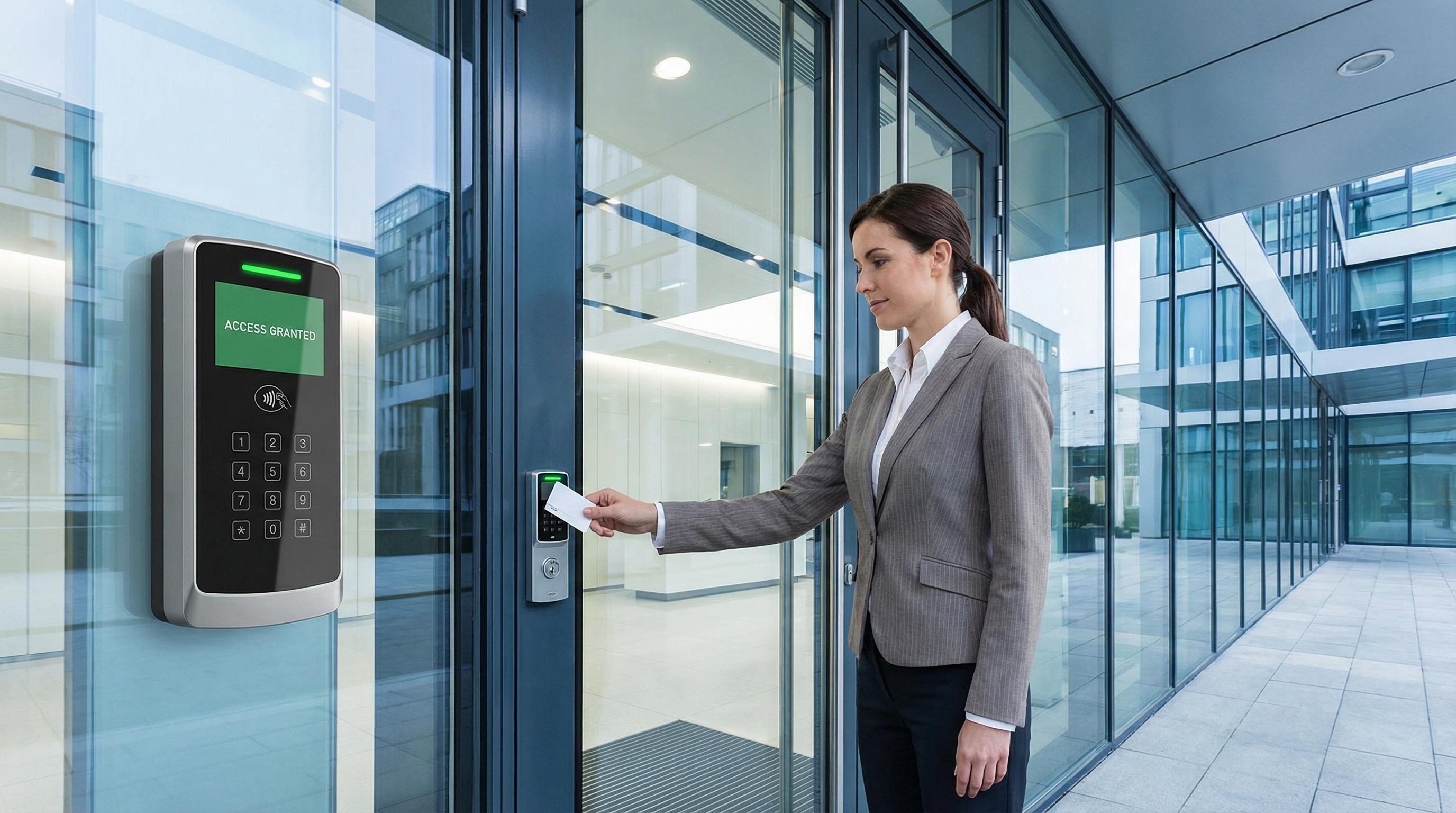
Access control systems are the modern solution to an age-old challenge: who can enter your building, when, and where? Beyond basic security, these systems provide audit trails, time-based access, and integration with other business systems. This guide covers everything you need to know to choose the right system for your business.
What is Access Control?
Access control systems replace or supplement traditional keys with electronic credentials. Instead of distributing physical keys that can be copied and are difficult to track, you issue credentials (cards, fobs, mobile credentials, or biometrics) that can be:
- Instantly deactivated when employees leave
- Restricted by time (only work during business hours)
- Limited to specific doors or areas
- Tracked with detailed entry logs
- Integrated with cameras, alarms, and HR systems
Types of Credentials
Key Cards (Proximity Cards)
The most common credential type. Users hold a card near a reader to unlock the door. Inexpensive, easy to use, but can be lost or shared. Available in various formats including HID, MIFARE, and others.
Key Fobs
Same technology as cards in a keychain form factor. More durable and harder to forget, but slightly more expensive. Ideal for employees who don't carry wallets.
Mobile Credentials
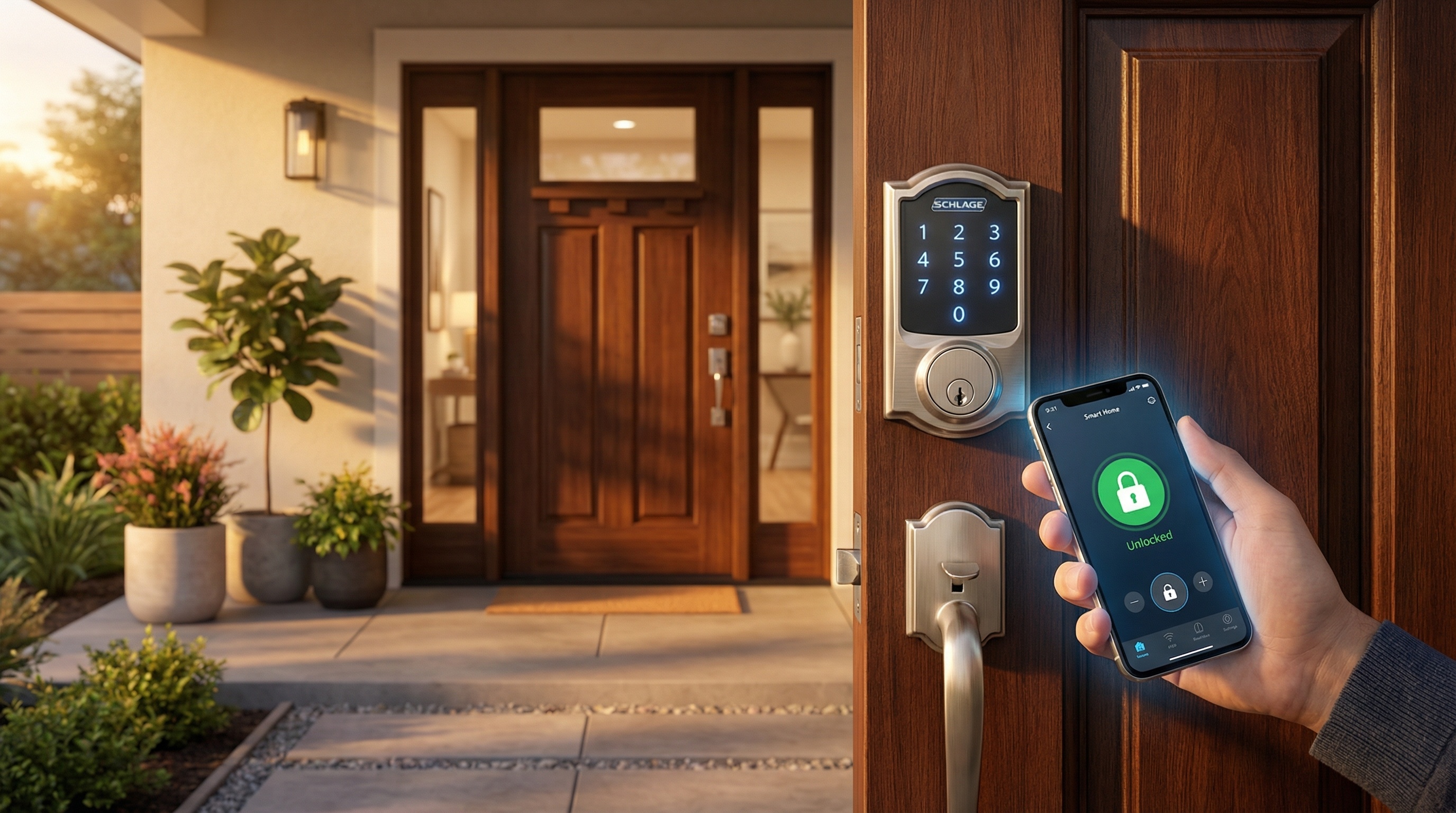
Uses smartphone Bluetooth or NFC to unlock doors. Harder to share or lose, more convenient for users, and can be issued remotely. Increasingly popular in modern installations.
PIN/Keypad Entry
Users enter a code instead of presenting a credential. Simple and credential-free, but codes can be shared or observed. Best used as a secondary factor alongside cards.
Biometrics
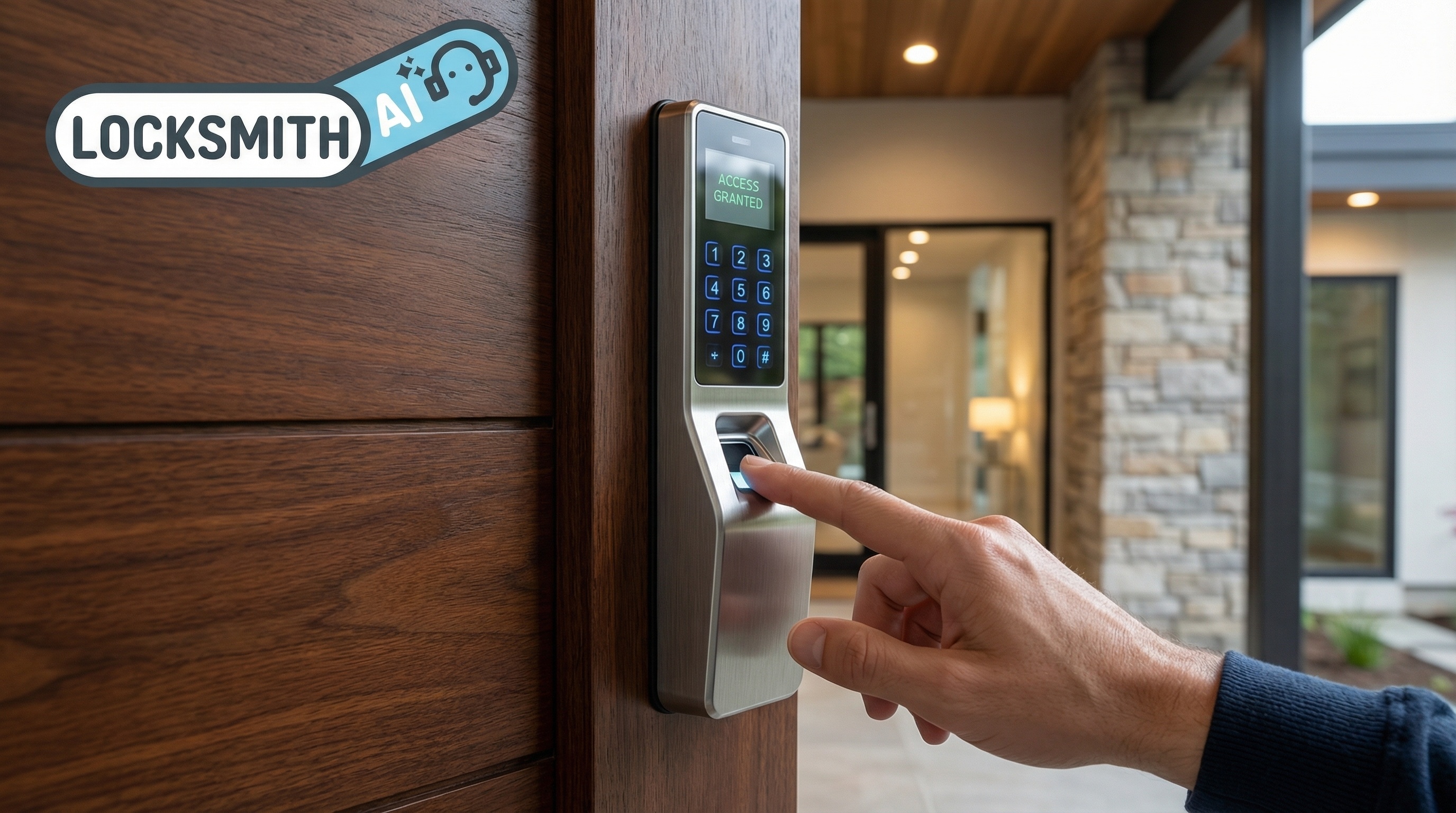
Fingerprint, facial recognition, or iris scanning. Cannot be lost, shared, or forgotten - you are the credential. Higher cost but maximum security. Common in server rooms, labs, and executive areas.
System Types: Standalone vs. Networked
Standalone Systems
Each door operates independently with its own reader and controller. Programming is done at each door individually.
- Pros: Lower upfront cost, simple installation, no network required
- Cons: No central management, no real-time monitoring, limited scalability
- Best for: Small businesses with 1-3 doors
Networked Systems
All doors connect to a central controller or server. Programming and monitoring happen from one interface.
- Pros: Centralized management, real-time monitoring, detailed reporting, scalable
- Cons: Higher initial investment, requires network infrastructure
- Best for: Businesses with multiple doors or locations
Cloud-Based Systems
The management interface runs in the cloud, accessible from any web browser. Ideal for multi-location businesses and remote management.
- Pros: No on-site server required, automatic updates, accessible anywhere
- Cons: Ongoing subscription costs, dependent on internet connectivity
- Best for: Multi-location businesses, companies without IT staff
Industry Trend
Cloud-based access control is rapidly becoming the standard for new installations. The lower upfront cost, easier management, and mobile credentials make it attractive for businesses of all sizes.
Credential Comparison
| Credential Type | Security | Cost | Convenience |
|---|---|---|---|
| Key Cards | Medium | $2-5 each | High |
| Key Fobs | Medium | $5-15 each | High |
| Mobile | High | $0-3/month | Very High |
| PIN Only | Low | No credential cost | Medium |
| Biometric | Very High | Higher reader cost | Very High |
Key Features to Consider
Access Schedules
Limit when credentials work. Employees might have 24/7 access while cleaners only have access after hours. Some systems allow holiday schedules and temporary overrides.
Area Restrictions
Control which doors each credential can access. All employees might access the main entrance, but only IT staff can enter the server room.
Anti-Passback
Prevents credential sharing by requiring users to badge out before they can badge in again. Also useful for accurate occupancy counts in emergencies.
Lockdown Capability
Instantly lock all or selected doors in an emergency. Critical for schools, hospitals, and any facility where rapid lockdown may be necessary.
Integration Options
- Video integration: See who's at the door, record access events
- Alarm integration: Arm/disarm based on the last person leaving
- HR integration: Automatically deactivate credentials when employees are terminated
- Elevator integration: Control floor access in multi-tenant buildings
Reporting and Analytics
Track entry patterns, identify anomalies, generate compliance reports. Valuable for both security and operations.
Need Help Choosing a System?
Our commercial security experts can assess your facility and recommend the right access control solution for your needs and budget.
Popular Access Control Brands
Enterprise Solutions
- HID Global: Industry standard for credentials and readers
- LenelS2: Comprehensive enterprise security platform
- AMAG: High-end solutions for large facilities
Cloud-Based/SMB Solutions
- Verkada: Modern cloud-first platform with video integration
- Openpath: Mobile-first access control, excellent user experience
- Brivo: Cloud-based with strong multi-site management
- Kisi: Developer-friendly with excellent API
Standalone/Small Business
- Alarm Lock: Door-based keypads with audit trail
- Schlage AD Series: Networked wireless locks
- Yale Assure: Smart locks for small offices
Cost Considerations
Hardware Costs
- Card readers: $200-$500 per door
- Electric strikes/maglocks: $100-$400 per door
- Door controllers: $300-$800 per unit
- Credentials: $2-$15 each
- Biometric readers: $500-$2,000+ per door
Installation Costs
- Per-door installation: $300-$800 depending on complexity
- Network infrastructure: Variable based on existing setup
- Server/controller setup: $500-$2,000
Ongoing Costs
- Cloud subscription: $5-$25 per door per month
- Software maintenance: 15-20% of software cost annually
- Credential replacement: Budget 10-20% annual turnover
Implementation Best Practices
- Audit your current security - Document all entry points, current key holders, and access patterns
- Define access policies - Who needs access to what, and when?
- Plan for growth - Choose a system that scales with your business
- Consider integration needs - Will you need video, alarm, or HR system integration?
- Don't forget the interior - Server rooms, executive areas, and stockrooms often need additional protection
- Plan for failures - What happens during power outages or network failures?
- Train your users - The best system fails if users prop doors or share credentials
Final Thoughts
Access control is an investment in both security and operational efficiency. The ability to instantly revoke access, track who's in the building, and integrate with other systems provides value beyond basic lock-and-key security.
Start by defining your needs: how many doors, how many users, what integrations matter, and what's your budget? From there, a qualified commercial locksmith or security integrator can recommend systems that fit your specific requirements.